
IBO Player IPTV Guide 2026: Setup, Features & Best Subscription
🔑 Key Points
- IBO Player is available directly from the Samsung Smart TV App Store and LG Content Store — no Firestick or Android box required.
- It supports M3U playlists, Xtream Codes API, EPG, parental controls and catch-up TV natively on Smart TV without sideloading.
- Setup on Samsung or LG Smart TV takes under 3 minutes — search the app store, install and enter your credentials.
- The app also works on Android smartphones, tablets and Android TV boxes for full cross-device flexibility.
- IPTV Sets delivers M3U and Xtream Codes credentials compatible with the app immediately after signup.
- A 24-hour free trial lets you verify compatibility with your Smart TV before paying anything.
If you own a Samsung or LG Smart TV and want to watch IPTV directly on your television without attaching a separate Firestick or Android box, your options are significantly more limited than Android TV users. Most IPTV players — TiviMate, XCIPTV, Hot player.
— require Android. This app is different. It is one of the very few high-quality IPTV applications available natively from the Samsung Tizen App Store and the LG Content Store, with no sideloading, no extra hardware, and no technical complexity whatsoever.In this complete guide for 2026, I cover the full picture: how to install the app on Samsung and LG TVs, how to connect your IPTV subscription using M3U or Xtream Codes, which features make it stand out, and how it compares to TiviMate and IPTV Smarters Pro for real-world use.
What Is IBO Player and Who Is It For?
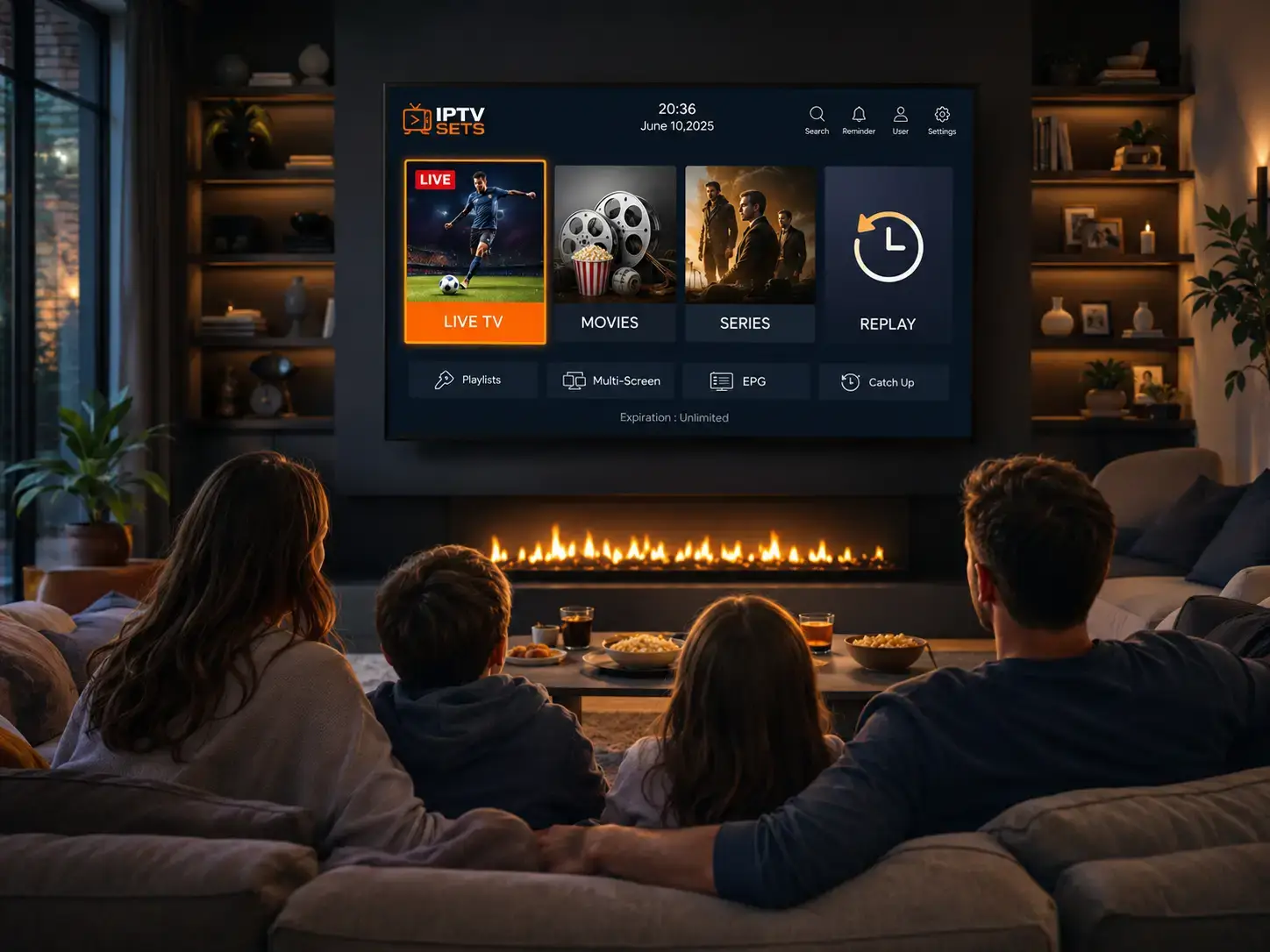
The app is a free IPTV media player application that reads M3U playlists and Xtream Codes credentials from your IPTV provider and displays them as a full television channel guide with EPG, VOD library, parental controls and catch-up TV. It is available on Samsung Smart TVs (Tizen OS), LG Smart TVs (WebOS) and Android devices.
The primary advantage over every competing app is its availability on Samsung and LG native app stores. If you want to watch 16,000+ IPTV channels directly on your Samsung QLED or LG OLED without any additional hardware, this is the definitive answer in 2026. According to Statista’s streaming market data, Smart TVs account for the fastest-growing category of streaming device worldwide — making IBO Player‘s native compatibility increasingly valuable.
How to Install IBO Player on Samsung Smart TV
Open Samsung Smart Hub
Press the Home button on your Samsung remote. Navigate to the Apps section within Smart Hub. Make sure your TV is connected to the internet.
Search for IBO Player
Tap the Search icon within Apps. Type “IBO Player”. Select the official app from the results — it is free, requires no payment and installs directly from Samsung’s servers.
Install and Launch
Tap Install or Download. The app installs in under 60 seconds. No Samsung account credit card required. Open the app once installation is complete.
Add Your IPTV Subscription
Inside the app, select Add Playlist. Choose Xtream Codes API or M3U URL. Enter your IPTV Sets server URL, username and password. Your full channel list and EPG populate within 60 seconds.
How to Install the App on LG Smart TV
Open LG Content Store
Press the Home button on your LG remote. Navigate to the LG Content Store. Search for “IBO Player” using the search function.
Install IBO Player
Select the app and tap Install. Free installation, no payment required. The app is compatible with LG WebOS 3.x and above.
Connect Your Subscription
Launch the app on your LG TV. Add your IPTV Sets Xtream Codes credentials — server URL, username and password. Browse 16,000+ channels immediately after loading.
Key Features — What You Get in 2026
Full EPG Support
This player loads an Electronic Program Guide automatically from your provider — see what is on now and upcoming across all channels, 7 days in advance.
Parental Controls
PIN-based parental controls to restrict adult content channels. It is one of the few native Smart TV IPTV apps to include this feature.
Catch-Up TV
Access previously aired content where supported by your provider — typically up to 7 days back. Watch what you missed without any recording setup.
VOD Library
Browse and play the full VOD library from IPTV Sets — 250,000+ movies and series — directly within the player interface on your Smart TV.
Multi-Screen Support
Your subscription credentials work across Samsung, LG, Android phones and tablets — one subscription, every screen in your household.
Channel Search
Search across thousands of live channels by name. The search function makes navigating a 16,000-channel library fast and practical.
Comparing the Best Smart TV IPTV Players — Which to Choose?
| App | Samsung Smart TV | LG Smart TV | Android | iOS | Price |
|---|---|---|---|---|---|
| IBO Player | ✓ App Store | ✓ Content Store | ✓ | ✗ | Free |
| TiviMate | ✗ | ✗ | ✓ Android TV | ✗ | Free / €5/yr |
| IPTV Smarters Pro | ✓ (limited) | ✓ (limited) | ✓ | ✓ | Free |
| GSE Smart IPTV | ✗ | ✗ | ✓ | ✓ | Free / €8 |
The verdict is clear: This app is the best IPTV player for Samsung and LG Smart TV users in 2026. It is the only option that installs natively from the TV app store without sideloading or requiring a separate Android device. For all other devices, TiviMate (Android TV) or IPTV Smarters Pro (cross-platform) are the top alternatives.
Best IPTV Best IPTV Subscription for Smart TV in 2026
IPTV Sets delivers M3U URLs and Xtream Codes credentials that work with the app on every compatible device — instantly after signup. Test with the free 24-hour trial before choosing your plan:
- 16,000+ Channels
- 4K / FHD / HD
- M3U + Xtream
- Compatible
- 16,000+ Channels
- 4K / FHD / HD
- M3U + Xtream
- Compatible
- 16,000+ Channels
- 4K / FHD / HD
- M3U + Xtream
- IBO Player ready
- 16,000+ Channels
- 4K / FHD / HD
- M3U + Xtream
- IBO Player ready
- 16,000+ Channels
- 4K / FHD / HD
- M3U + Xtream
- IBO Player ready
Frequently Asked Questions About IBO Player
Yes — the app is available directly from the Samsung Smart Hub App Store for Tizen OS Smart TVs. Search “IBO Player” in the Apps section and install for free. No Firestick, no Android box, and no credit card required.
Yes — it fully supports Xtream Codes API credentials (server URL, username, password) as well as M3U playlist URLs. IPTV Sets provides both formats with every subscription, both compatible on Samsung, LG and Android immediately.
Yes — the application is completely free to download and use. There are no premium tiers or in-app purchases. Your only streaming cost is your IPTV subscription. IPTV Sets subscriptions start from €15/month, with the Ultimate 24-month plan at €4.13/month.
This app is the better choice for Samsung and LG Smart TV users because it installs natively from the TV app store — no sideloading required. IPTV Smarters Pro is the better option for cross-platform use across Android phones, iOS and Android TV boxes. Both support M3U and Xtream Codes and work seamlessly with IPTV Sets credentials.
Open the LG Content Store on your WebOS Smart TV, search for the app, and tap Install. Free installation, no payment required. Once installed, open the app and enter your IPTV Sets Xtream Codes credentials to load your full channel list and EPG automatically.
IPTV Sets Editorial Team
Streaming Technology Specialists · iptvsets.com
Tested on Samsung QN90 (Tizen), LG C3 (WebOS) and Android TV Box — verifying EPG loading, channel change speed, parental controls and VOD navigation with IPTV Sets credentials.